
Imagine typing a simple line of text and watching it turn into a real video in just a few seconds. That’s what Sora by OpenAI can do. This groundbreaking text-to-video model is changing how people create and share stories. You don’t need fancy cameras, a crew, or editing skills, just an idea and a few words. Sora OpenAI takes care of the rest, turning your imagination into lifelike videos that look professional and engaging.
Sora’s ability to understand motion, emotion, and storytelling makes it special. It doesn’t just create videos; it brings your vision to life with smooth visuals and realistic scenes. From brands looking to make quick ads to teachers explaining lessons and creators bringing ideas to life, Sora OpenAI makes video creation faster, easier, and more fun. It’s not just a tool for professionals; it’s a new way for anyone to tell their story through video.
What is Sora (OpenAI)?
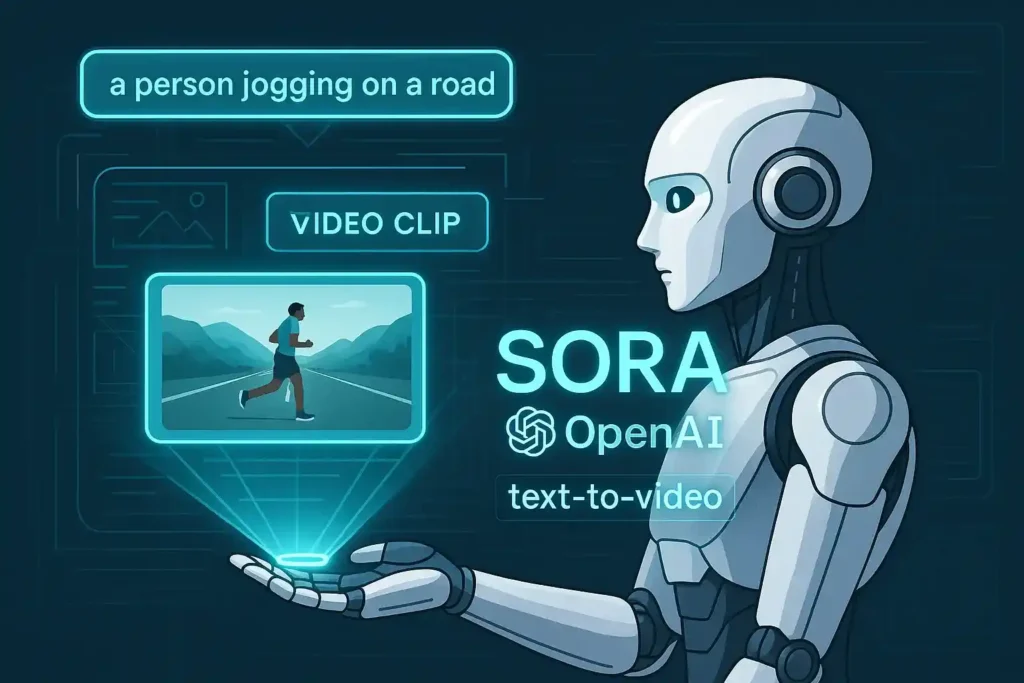
The ” Sora ” model by OpenAI is a new generative-AI system designed to produce videos from text (and in later versions, from other inputs like images or video) rather than just images or text. In OpenAI’s own words: “Introducing Sora, our text-to-video model. Sora can generate videos up to a minute long while maintaining visual quality and adherence to the user’s prompt.”
So, when you see “Sora OpenAI text-to-video model”, these refer to the ability to convert a text prompt into a video.
It’s part of OpenAI’s (and others’) broad push into “multimodal” AI, meaning models that handle not just text but also images, video, audio, etc.
How does the Sora OpenAI text-to-video model work?
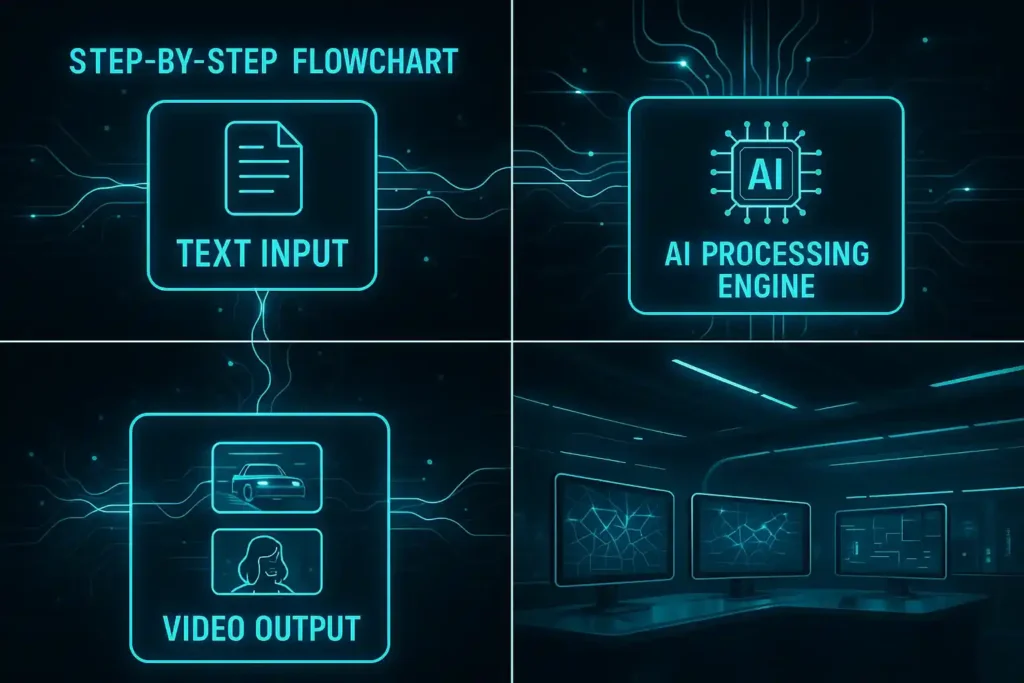
Here, we dig a bit deeper into the mechanics of how Sora operates (based on what is publicly known).
Input & output
- You supply a text prompt (for example: “A futuristic cityscape at noon, flying cars, pedestrians in neon raincoats”). Then Sora generates a video clip that follows your description.
- In some modes, you can also feed existing images or videos as input (for example, to extend or animate them), though the predominant use case is text→video.
- The output is a short video (up to a minute in the early version) with motion, camera movement, characters, etc.
Technical under-the-hood
- Sora uses a diffusion framework (similar to how many image-generation models work) extended into the temporal dimension (video = multiple frames).
- It merges a diffusion model (good at textures/details) with a transformer (good at global composition, sequence) to handle what happens across time (frames) and space (within a frame).
- It also uses a “recaptioning” technique: rewriting/expanding your prompt internally to more richly specify the scene (so you don’t always have to engineer a perfect prompt yourself).
- As per Wikipedia/summary: “Sora is a text-to-video model that can generate videos based on short descriptive prompts and extend existing videos forwards or backwards in time.”
Capabilities & limitations
- Capable of generating videos up to ≈ 60 seconds in the research preview.
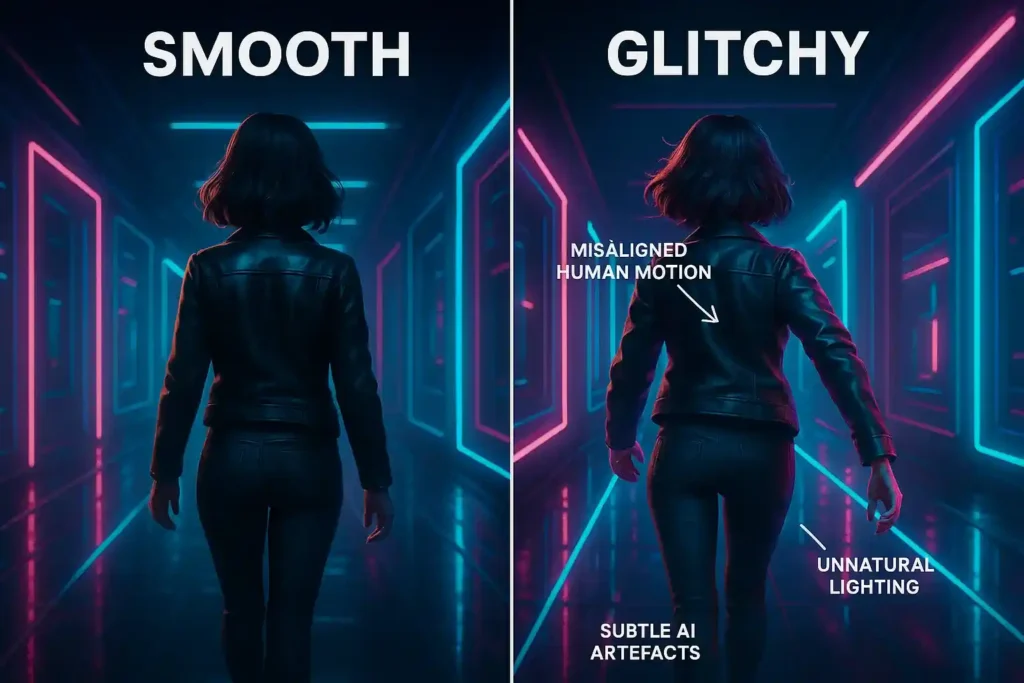
- Resolution and realism are improving, C but still not perfect: Issues like consistent physics, realistic human motion, and fine detail still challenge them. For example, “While clearly, it hits the main beats of the prompt, it’s not a particularly convincing scene … a little terrifying.”
- Safety & misuse concerns are very real (see later).
Version evolution
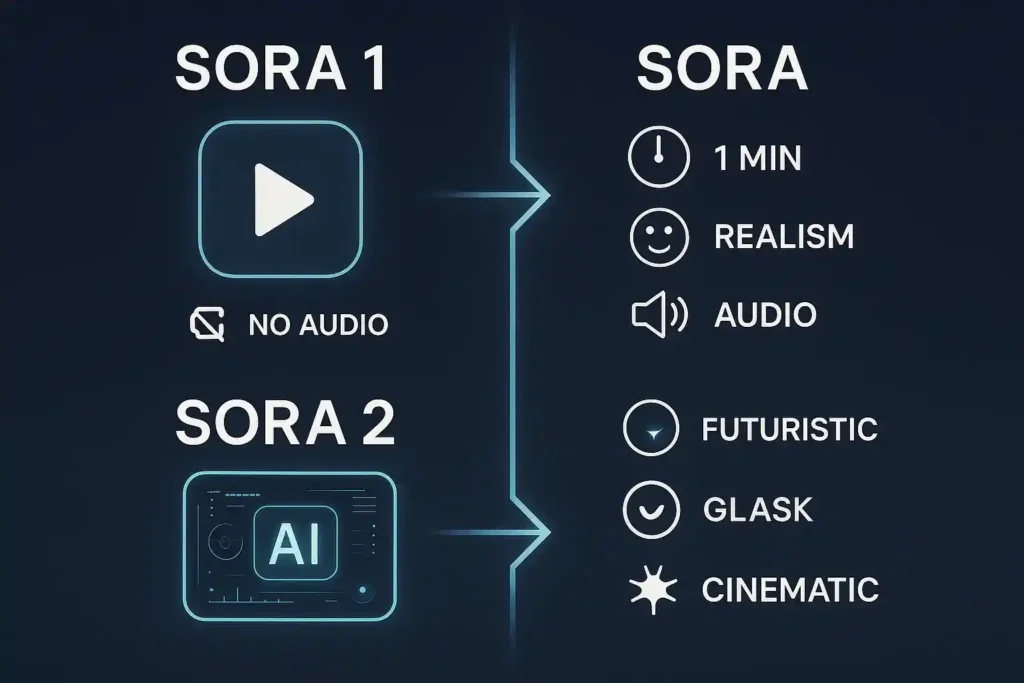
- The initial Sora model was announced in February 2024.
- Then OpenAI released “Sora 2” (or a next-gen version) with more advanced capabilities, more realism, better audio/visual sync, etc.
What are the key features of the Sora OpenAI text-to-video model?
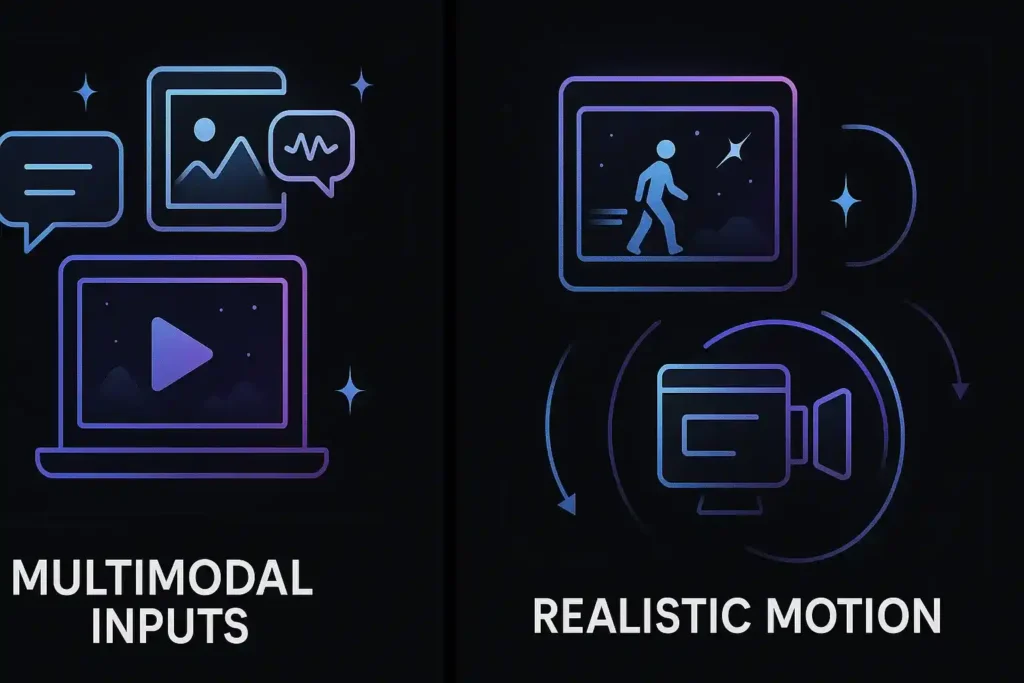
Here are some of the standout features and what makes them interesting.
- Text → Video generation is the core capability — it goes from a descriptive prompt to moving imagery, which used to require cameras/crew/editing.
- Multimodal inputs: beyond text, you can, in some cases, feed images or short videos to influence the output (e.g., animate an image,) though this may be more advanced/limited.
- Temporal consistency: Because video must maintain continuity (objects don’t disappear, lighting doesn’t wildly shift), Sora is designed for better coherence across frames.
- Realistic motion & camera movement: The model aims to simulate camera pans, dynamic scenes, and multiple characters, so it is not just static or simple animation.
- Audio & sounds (later versions): Sora 2 supports synchronised dialogue, sound effects, and better realism.
- Controllability & styles: You can prompt for “cinematic,” “anime,” “documentary,” etc., and expect variations. You might also control length, aspect ratio, etc.
- Extensions & application use cases: Used for marketing, social media content, education, storytelling, etc. (see overview of use cases)
How do you use the Sora OpenAI text-to-video model?
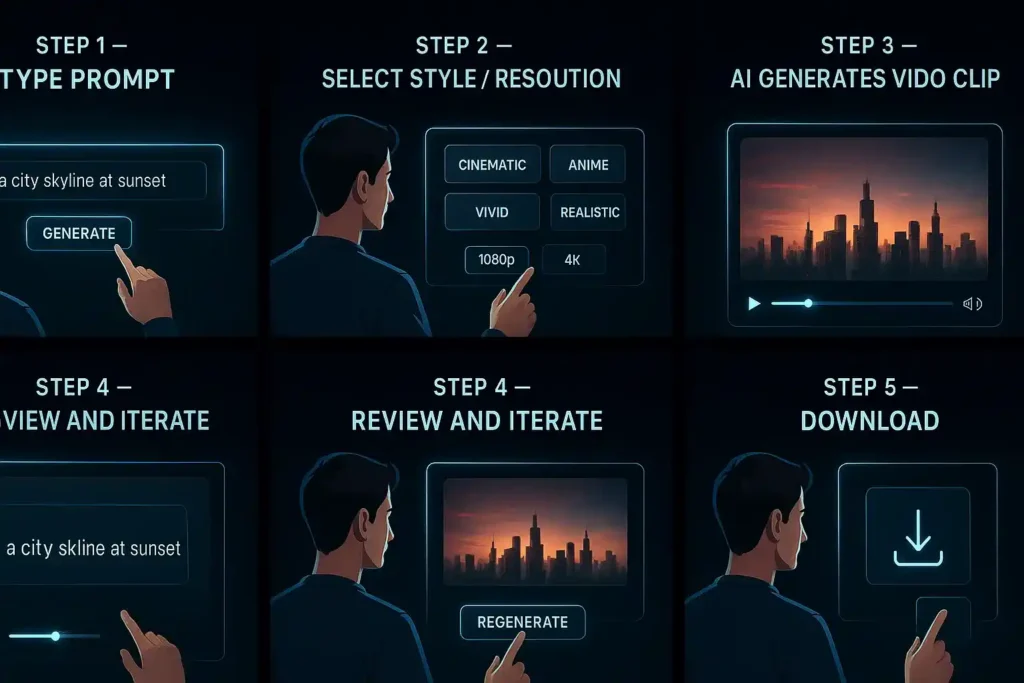
If you’re considering trying Sora, here’s a rough workflow and some tips for success.
Workflow
- Pick your prompt: Write a clear description of what you want. The better the detail, the better (lighting, mood, camera angle, characters, environment).
- Specify extras: If the system supports it, you may specify resolution, aspect ratio, style, and audio cues.
- Generate the video: Submit the prompt. Wait for the model to generate the clip.
- Review and iterate: You’ll likely need to refine your prompt or try variants to achieve your desired look.
- Download/use: Once satisfied, you can download (depending on your plan) and use the video in your project.
Tips for better results
- Use specific prompts, not generic ones. If you say “a dog running,” you may get something generic; instead, “a golden retriever sprinting across a sunlit grassy field at golden hour, slow-motion, camera tracking behind” gives more direction.
- The camera angle, lighting, and motion direction help the model.
- If you’re using images or prior video as input (if supported), ensure they are clear and high quality.
- Understand limitations: human faces and realistic humans might still have artefacts. Scenes with complex interactions (multiple actors, subtle emotion) may still look “off”.
- Be aware of safe use/ownership: If your video features real people, brand elements, or copyrighted stuff, you’ll want to check rights.
What you should expect?
- It may generate compelling results quickly, but they may not always be perfect. Imperfections in motion, odd artifacting, and weird physics may happen.
- Shorter durations are more reliable. Early versions mention up to ~20 seconds for some plans.
- Watermarks or metadata may be used to indicate that AI-generated content is present.
What is Sora OpenAI pricing?
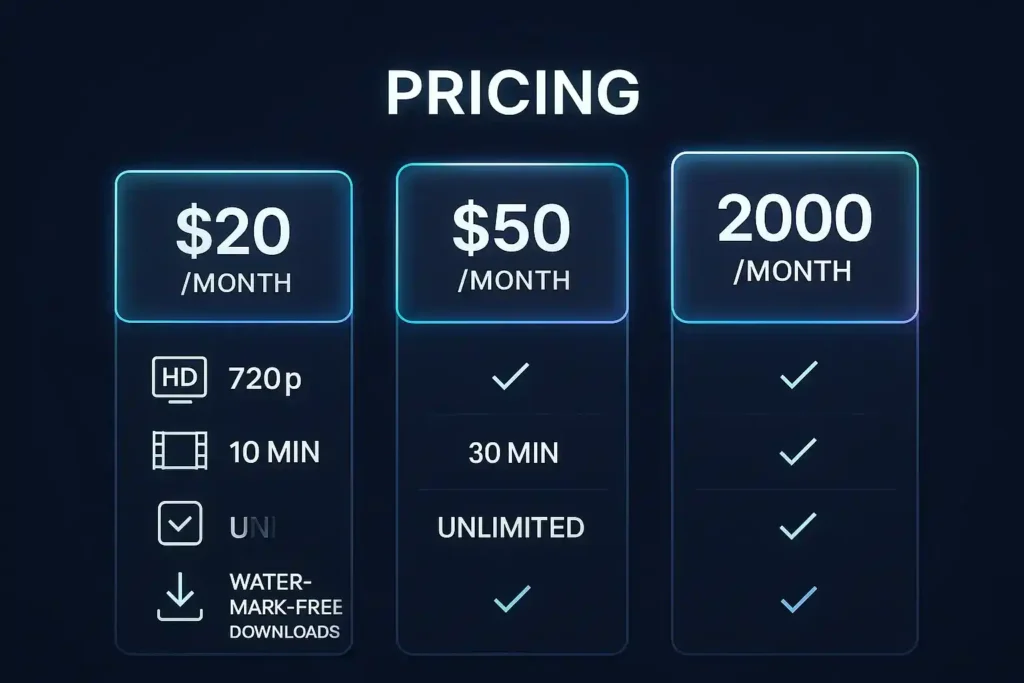
Pricing is constantly changing, but I’ll summarise what is publicly known or cited for “Sora OpenAI pricing”.
- According to one blog summary, “Sora is currently available within paid ChatGPT plans at no additional cost. These pricing plans range in price from $20-200 per month.” Example breakdown: ChatGPT Plus ~$20/month includes 50 priority videos, 720p resolution, 5s video duration. ChatGPT Pro ~$200/month includes unlimited generations, 500 priority videos, watermark-free downloads, 1080p resolution, and a 20-second duration.
- In addition, there are references to API or Azure pricing for video generation: One source lists “per second” cost (for 480p or square) via Azure OpenAI Service: e.g., 480p:$0.15 per second, etc.
- OpenAI’s general API pricing page (though not specific to Sora) lists the cost for image generation, etc., but not clearly for video.
Important caveats:
- The pricing info may be “early” or promotional; OpenAI itself notes they will have “customised pricing for different users” for Sora.
- Availability may be limited by region, plan type, and early-access status.
- The “priority video” concept means videos that have faster turnaround or higher resolution; there may be standard (lower priority) generations, too.
- Features like watermark removal, high resolution,and longer duration may cost extra or require a higher tier.
If you’re seriously considering using this for business/production, you should check the latest pricing on OpenAI’s site or contact them for enterprise terms.
What are benefits and use cases of Sora OpenAI text-to-video
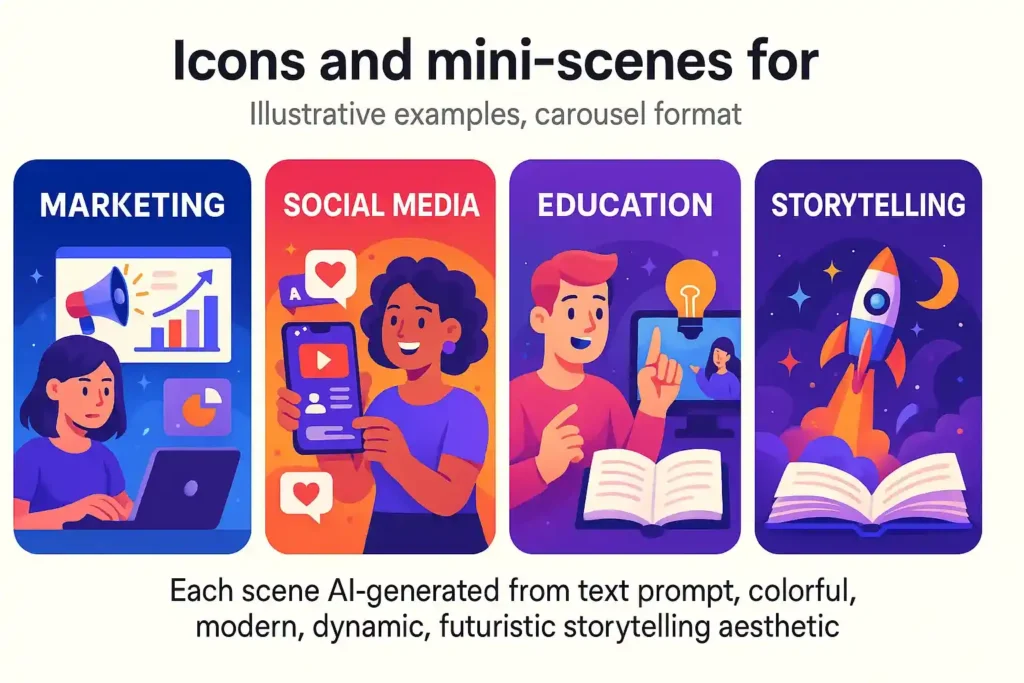
Benefits
- Creativity unlocked: You can generate video content without needing a whole production crew, camera equipment, lighting, actors. It lowers the barrier to video creation.
- Speed: A video can be produced in minutes rather than days/weeks.
- Flexibility: Easily iterate scenes and change prompts and styles rather than re-shoot video.
- Cost-efficient: Especially for smaller creators, marketers, and social media, the cost/time savings can be huge.
New formats: Social platforms, short-form video, educational content can leverage this technology for novel content.
Use-cases
- Marketing & Advertising: Create product demo videos, brand story visuals, conceptual ads. (See Sora 2 use-case list).
- Social Media Content: Short fun videos, micro-stories, animated scene teasers.
- Education & Training: Visualizing complex topics, animated explainer videos.
- Storytelling / Film Pre-viz: Rapidly prototyping scenes, visualizing ideas before full production.
Personalized Videos: In later versions (with features like “cameos”), you could place a person or object into a generated environment.
What are the limitations and risks of Sora OpenAI text-to-video model?
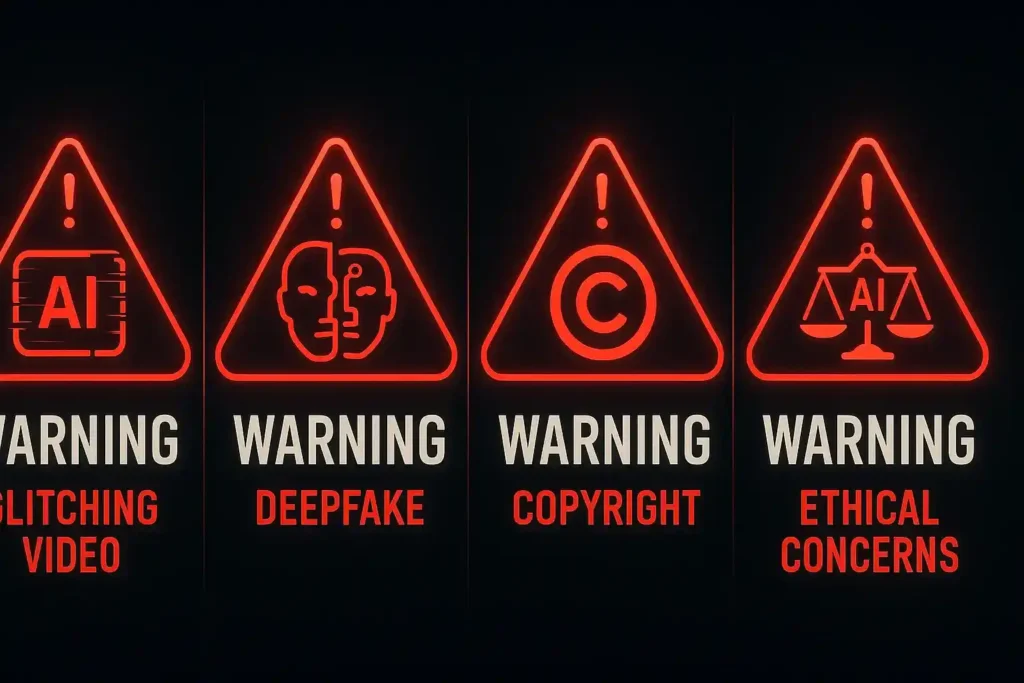
While powerful, Sora comes with several caveats and risks you should be aware of.
Technical limitations
- Quality variability: Some scenes still look unnatural; human motion, facial expression, and complex interactions are challenging. (As noted in analyses)
- Duration/Resolution limits: Early versions restrict video length (e.g., 5-20s) and resolution. Longer/higher resolution videos may still be in progress.
- Artefacts & coherence: Issues like misaligned limbs, weird lighting shifts, unnatural physics may appear.
- Prompt sensitivity: The better you craft your prompt, the better the result. There’s still a learning curve.
Ethical/ legal/ safety risks
- Deepfakes & likenesses: Because video is potentially realistic, misuse (impersonation, disinformation) becomes easier. Indeed, there have been concerns with Sora generating videos of historical or public figures.
- Copyright / IP: If the model is trained on copyrighted material (and some criticism/concern arises), there are risks of generating videos that infringe on IP. For example, the model may include copyrighted material by default unless rights‐holders opt out.
- Biases: Studies show the model may embed societal biases (e.g., gender bias in how professions are depicted) based on its training data.
- Misinformation: With video generation becoming easier, creating false or manipulated content becomes easier to spread.
- Regulatory and regional restrictions: The model may not be available in all regions, and regulatory regimes around AI generation differ.
- Watermarking & detection: OpenAI has included visible watermarks and metadata (C2PA) to indicate AI-generated content.
Practical adoption risks
- Cost & scalability: While cheaper than full video production, generating many high-quality videos at high resolution might still be costly and time-consuming.
- Skill shift: While camera crews might be less needed, prompt engineering, creative iteration, and post-production editing still matter.
- Acceptance of quality: Viewers might still notice “AI video” artefacts; complete realism may take time to achieve for demanding use-cases (feature films, broadcast quality).
- Dependence on vendor: When using OpenAI’s ecosystem, you depend on the vendor’s access, pricing, availability, and policy changes.
What’s new in Sora OpenAI text-to-video (Sora 2), and how does it compare?
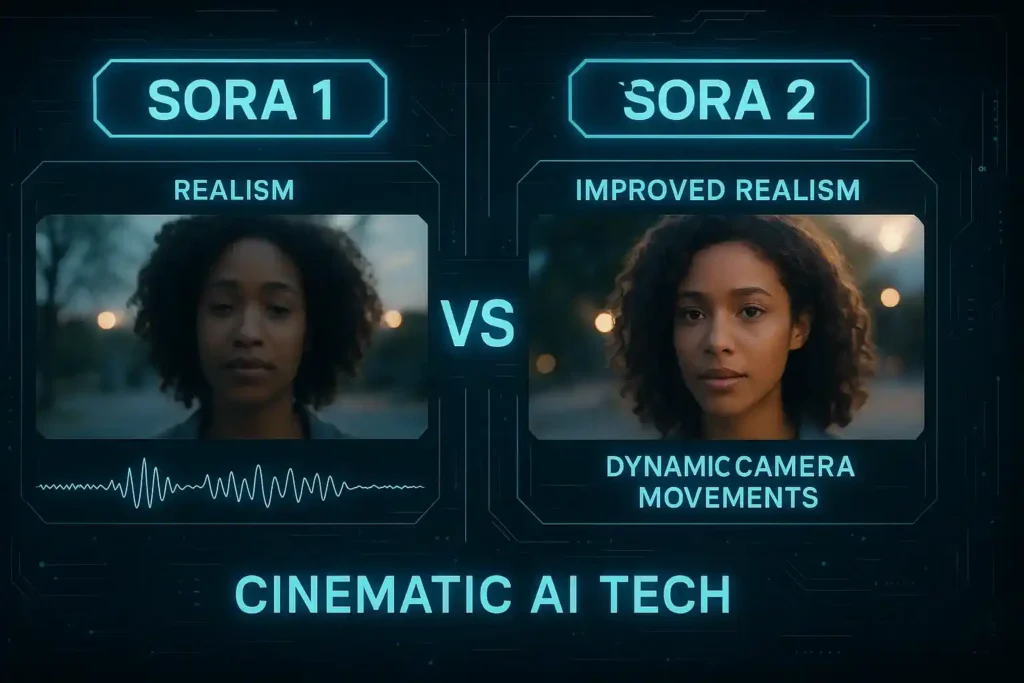
As mentioned, OpenAI released a newer version, “Sora 2”.
- According to the “Sora 2” announcement: “Our latest video generation model is more physically accurate, realistic, and controllable than prior systems. It also features synchronised dialogue and sound effects.”
- The description of Sora 2 mentions features like “Advanced Physics Simulation”, “Synchronised Audio Generation”, “Cameos Feature: Insert yourself into videos”, etc.
So compared to the original Sora model, Sora 2 offers:
- Better realism (motion, physics, environment)
- Audio + dialogue support (not just silent video)
- More controllability (styles, higher resolution, longer clips)
- Possibly broader input options (you can animate images, do multi-shot sequences)
As with any new version, adoption is rolling out, and some risks remain (e.g., misuse, copyright, safety). Indeed, news articles highlight copyright and content moderation controversies with Sora 2’s rollout.
Why does Sora OpenAI matter?
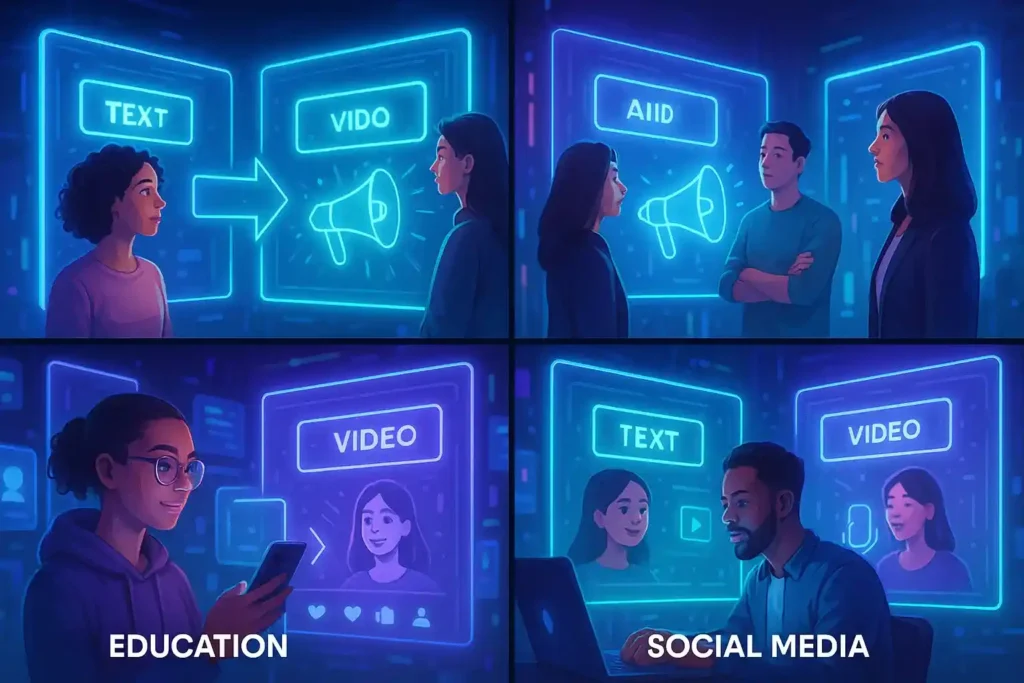
This is beyond the “features.” What does this mean for creators, industries, and society?
- Democratisation of video production: If tools like Sora become widely available, many more people can create video content, shrinking the equipment/time/cost barrier.
- New creative workflows: Video editing and production may shift from camera-and-lighting to prompt-and-iterate.
- Impact on industries: Advertising, film, education, and social media may see new types of content, faster turnaround, and more personalisation.
- Ethics & governance pressure: Because videos are potent (more than still images), misuse (deepfakes, misinformation) is a big concern, meaning regulation, policy, and detection tools will become increasingly important.
- IP & rights landscape change: Who owns the generated content? What about training data rights? If models are trained on copyrighted videos, there are questions of fairness/compensation.
- New job/skill types: Prompt engineering for video, AI-video editors, ethical moderators, etc.
- Challenges for authenticity: As AI-generated video becomes more realistic, distinguishing real from fake becomes harder, posing risks for politics, journalism, and trust.
In short, Sora is not just a cool tool; it represents a shift point in how video media may be created and consumed.
Should you use the Sora OpenAI text-to-video model?
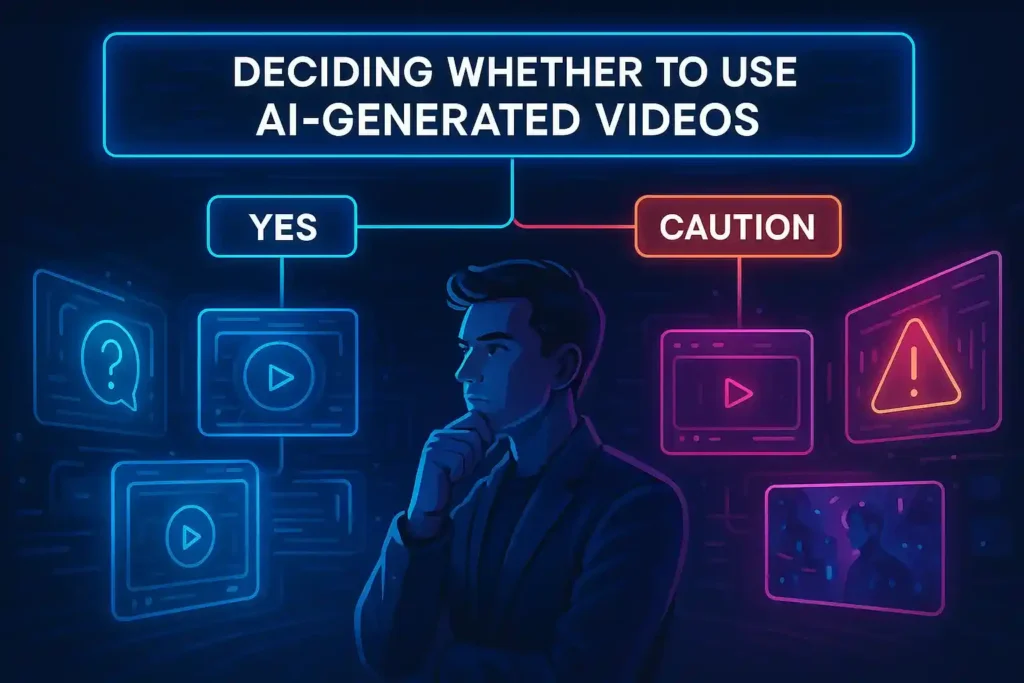
When it makes sense
- You’re a content creator, marketer, or educator who needs short video clips quickly and cost-effectively.
- You want to prototype visual ideas (storyboarding, social media) without heavy production overhead.
- You want to explore creative/visual experimentation, such as, “What if I show scene X in style Y?”
- You accept that the results might need some editing/refinement and are okay with possible imperfections.
When you might hold off or be cautious
- You need broadcast-quality video (4K, flawless realism) today, but you may find limitations.
- If your use involves real people, sensitive content, or high-risk misinformation, you need to check ethics, rights, and safety.
- You have strict IP or brand-image requirements and cannot tolerate artefacts or generative quirks.
- You are in a region where the model isn’t fully available yet, or pricing/unavailability is unclear.
Practical advice
- Start with the free or low-tier version (if available) to test the model’s capabilities for your use case.
- Try out short, more straightforward prompts first to get a feel for quality and limitations.
- Consider post-production polishing: Even if you generate the video with Sora, you might still need editing, colour grading, and sound mixing to move it from “AI output” to “final product.”
- Monitor policy/rights: Check whether your generated content includes likenesses, copyrighted trademarks, etc., and ensure you have the necessary rights or disclaimers.
- Stay updated on pricing changes: since this is new tech, pricing and features may evolve.
Wrapping Up!
The Sora OpenAI text-to-video model is a significant step in generative AI, allowing users to turn text prompts into video content. It has strong potential for creators, marketers, educators, and storytellers, but it also has technical limitations and serious ethical/rights considerations.
The pricing (Sora OpenAI pricing) is still in flux, but early tiers suggest access via ChatGPT plans for ~$20-200/month depending on quality/usage. If you’re considering using it, test it, understand the constraints, and plan how you’ll use it and possibly polish the output.
FAQ
Is Sora free?
Not completely. As per currently public information, it is included (or becoming included) in particular paid OpenAI/ChatGPT plans (e.g., Plus, Pro). Some early access may be free or limited.
What resolution/length videos can Sora generate?
In early versions: up to ~60 seconds (in research demo). In production/consumer tier: e.g., one report said 5-20 seconds for lower tiers.
Resolution depends on plan and output; higher tiers support higher resolution.
Can I use Sora videos for commercial work?
Possibly, yes, but you must check the terms of service of OpenAI for Sora and the rights for any input/output (especially if likenesses or copyrighted content are involved).
Where is Sora available?
Initially, in the U.S. & Canada and other countries where ChatGPT is present, but not everywhere (e.g., EU/UK, some restrictions).
What’s the difference between Sora and other text-to-video models?
Sora is developed by OpenAI (which has deep experience in large language and image models). Its design emphasises realism, scene complexity, controllability, and integration into OpenAI’s ecosystem (e.g., ChatGPT). Some competitors exist (e.g., Runway Gen‑2, Make‑A‑Video), but Sora is among the most advanced publicly discussed.