
Sora 2 is OpenAI’s next-generation text-to-video model and app for creating short, realistic videos from text and images. It launched in an invite-only rollout (iOS + web), is initially available with free or generous trial limits, and includes features like synchronized audio, “cameos” (use your likeness), and higher-quality Pro options for paid subscribers. Because Sora 2 touches likeness and copyrighted material, OpenAI and the industry are actively changing rules and controls, so use it carefully and legally.
What is Sora 2?
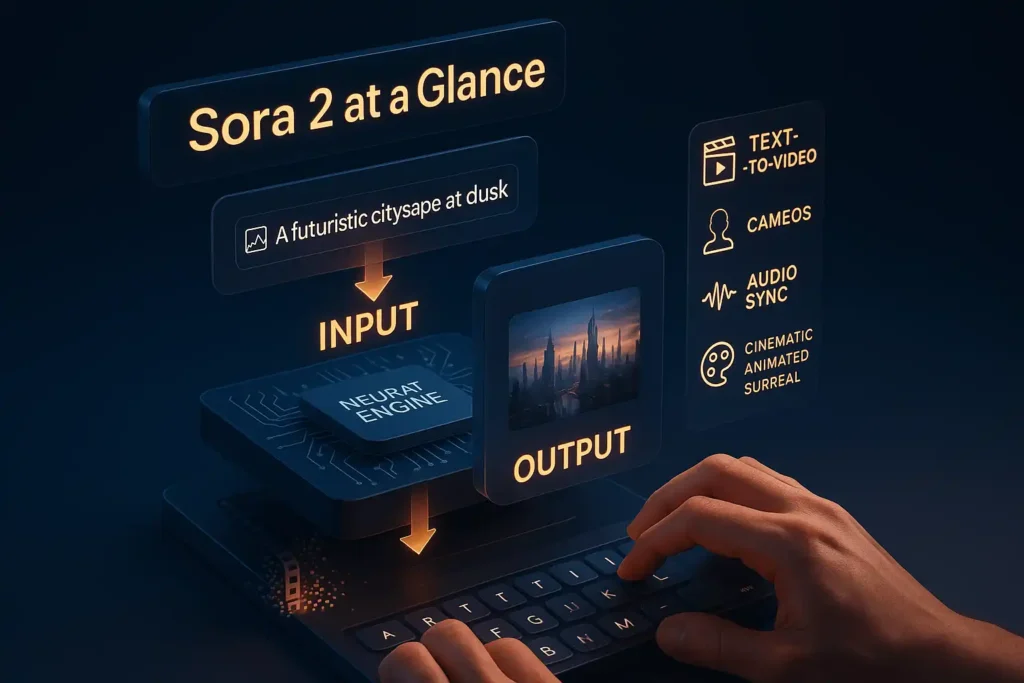
Sora 2 is OpenAI’s upgraded text-to-video model, a tool that turns short text prompts (and optionally images/cameos) into fully generated video clips with synced audio and visual motion. Compared with earlier models, Sora 2 aims for more realistic motion, better audio-video alignment, and richer styling (cinematic, photoreal, animated, surreal). It’s part of OpenAI’s push to bring creative video generation to general users.
Why this matters: text-to-video lowers the barrier for creators, educators, marketers, and hobbyists to produce short cinematic content, but it also raises urgent questions about likeness rights, copyright, and misuse, which OpenAI is actively addressing.
Missed how it all started? Don’t worry — here’s our full post on the first Sora model: Sora OpenAI.
Key features of Sora 2
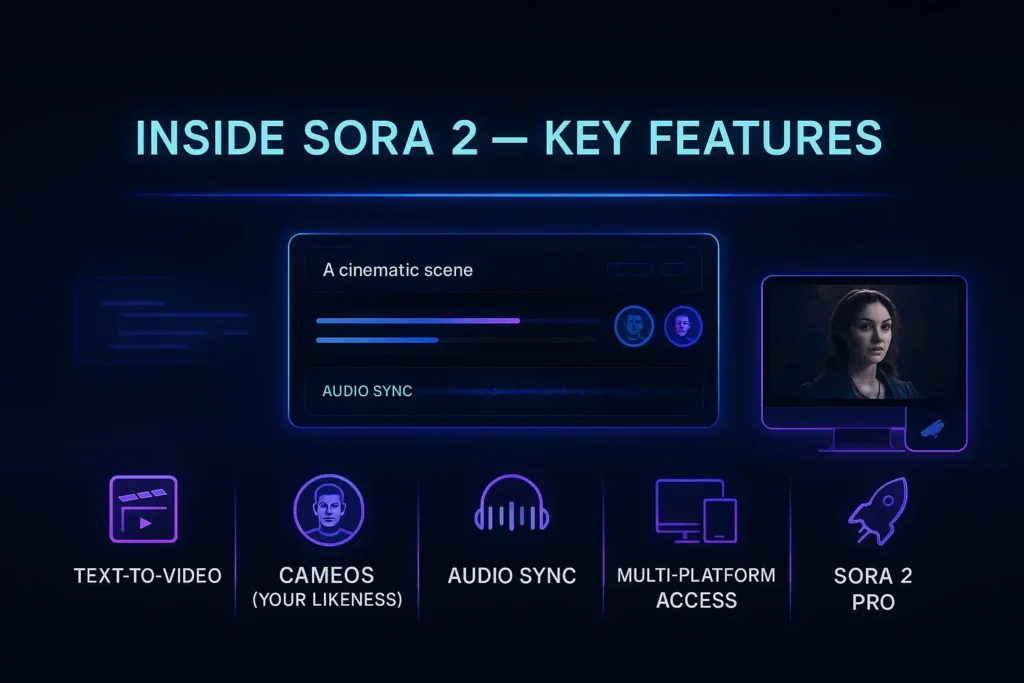
- Text → video: Type a prompt and get a short clip (styles: cinematic, animated, photorealistic, surreal).
- Cameos: You can (with consent) cast yourself or friends into generated scenes.
- Synchronized audio: Speech/music is aligned to visuals for more believable clips.
- Multiple access surfaces: iOS app (initial rollout), sora.com web version, and planned API access.
- Pro/experimental model: ChatGPT Pro users get access to higher-quality Sora 2 Pro in some instances.
How to get an invite / Sora 2 invite code (legit ways)?
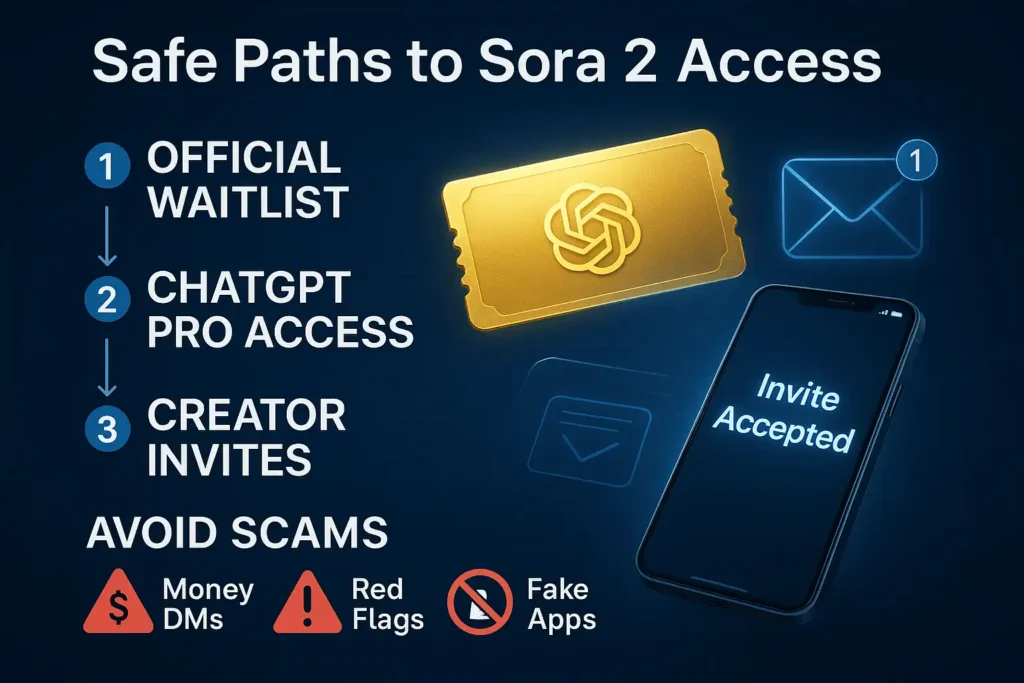
If you want an invite code or faster access, here are the safe, legitimate routes:
- Official waitlist & app: Download the official Sora iOS app or visit sora.com and sign up. OpenAI runs an invite rollout; the app or site will tell you if you need a code and how to request one.
- ChatGPT Pro / OpenAI connections: OpenAI has tied some Sora 2 Pro access to ChatGPT Pro/paid tiers; if you’re already Pro, you may see priority access.
- Friends / trusted creators: Early users sometimes receive a limited number of invites to share. Ask creators you trust rather than buying codes from strangers.
- Avoid scams & fake apps: Many copycat apps and code-resale listings surfaced after launch. Don’t trust third-party “generators” promising unlimited codes; use OpenAI’s official channels.
Red flags: paid listings on auction sites, DMs offering codes for money, or cloned apps that ask for unnecessary permissions. When in doubt, check OpenAI’s official Sora page or the App Store listing from OpenAI.
How to use Sora 2 on PC?
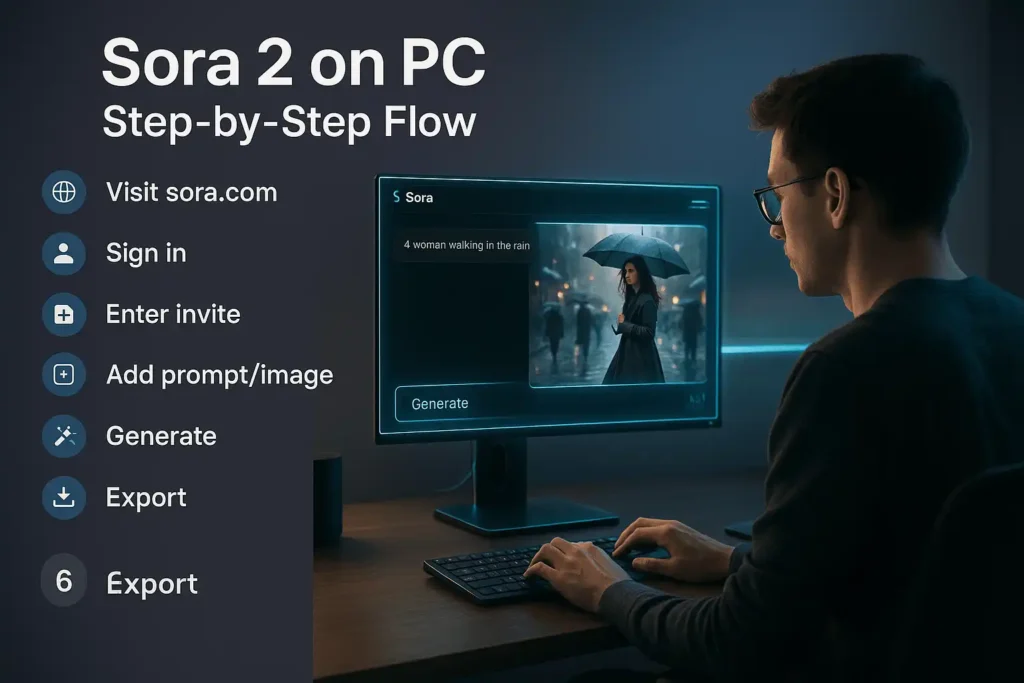
Yes, you can use Sora 2 on a PC via the web version. Here’s a simple flow:
- Open your browser and go to sora.com (or use the Sora experience integrated with ChatGPT if/when listed).
- Sign in with your OpenAI/ChatGPT account: If the release is still invite-only for your region, there will be an invite-code prompt, enter it there.
- Pick your canvas: start from a text prompt or upload an image for a cameo. Choose style and length limits (subject to your account tier).
- Generate and review: Sora 2 currently produces short clips (OpenAI initially rolled out shorter durations; Pro tiers may allow longer clips). Export or download when done (subject to the app/web rules).
(Third-party sites also published step guides for PC usage, but prefer the official web UI for safety and fidelity.)
How much does Sora 2 cost?
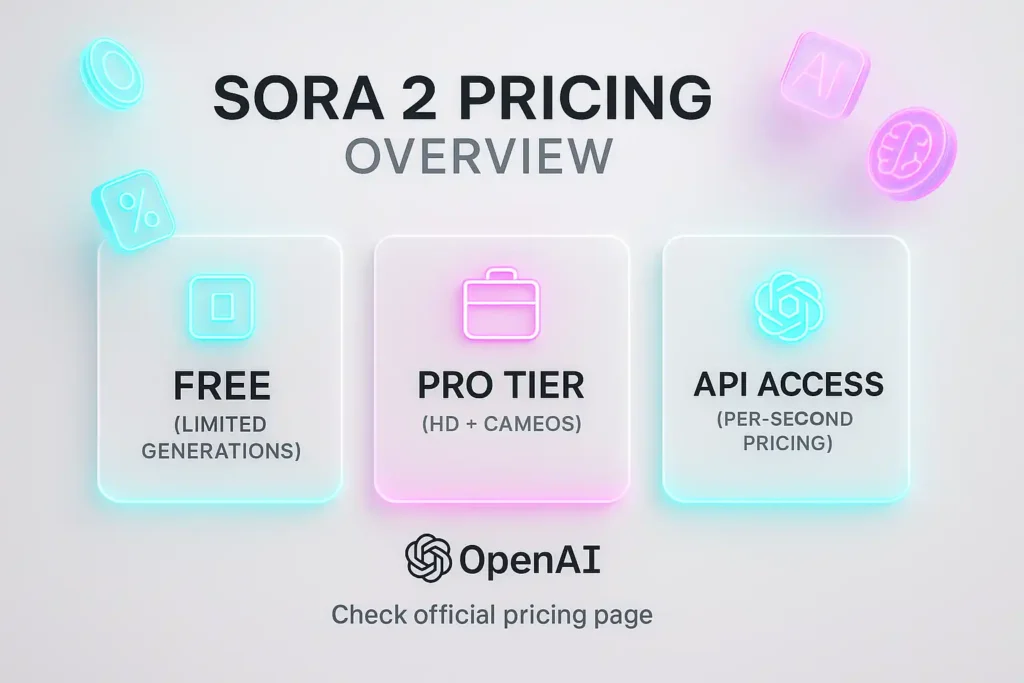
- Initial rollout: OpenAI announced Sora 2 would be available initially for free with generous limits so people can explore, although higher-quality Pro options are tied to paid tiers. That means many users could try Sora 2 at no charge early on.
- API & per-asset costs: OpenAI publishes API pricing; although video pricing is more complex, community observers estimate per-second costs for Sora 2 outputs (e.g., community reports have suggested figures like ~$0.10/sec for base Sora-2 at certain resolutions and higher for Sora-2-Pro). Treat those community figures as estimates, check OpenAI’s official API/pricing pages for the latest.
Expect a mix of free trial generations and paid credits/subscriptions for heavier or higher-quality use. Always confirm the current prices on OpenAI’s official pricing page before major usage.
Practical tips for better results (prompting & workflow)
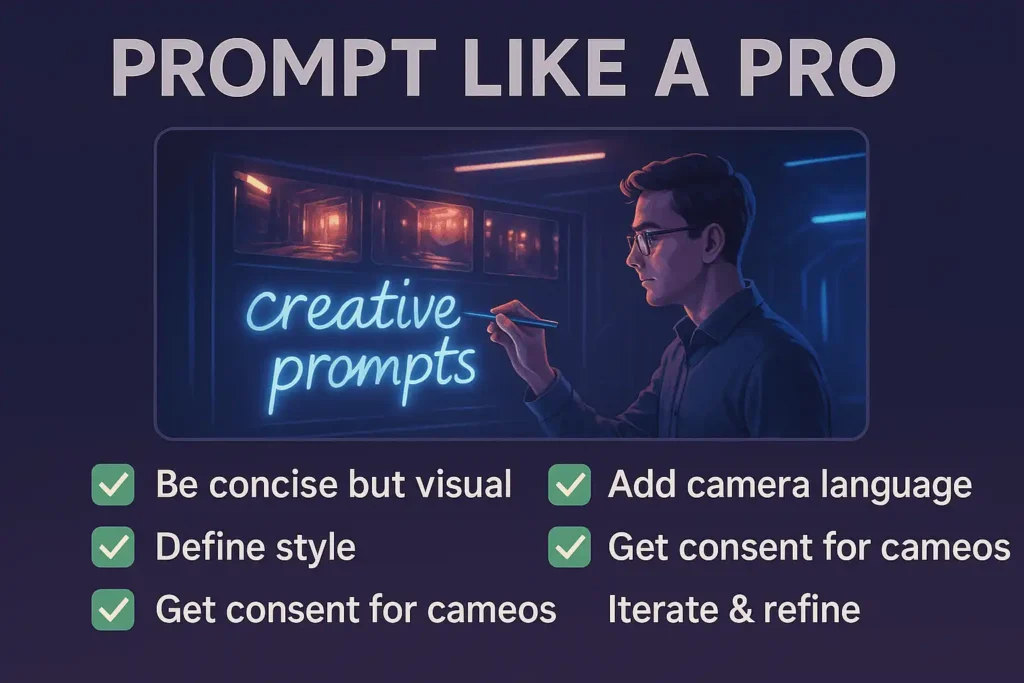
- Be concise but visual: “Cinematic closeup, rainy neon street, 2 people argue, 5 sec” beats a long ramble.
- Specify camera language: “wide shot”, “closeup”, “track left”, or “handheld” helps composition.
- Use styles: add “photorealistic,” “80s film grain,” or “2D animation” to control look.
- Cameo best practices: only include people who gave explicit consent; use neutral, descriptive prompts for realism.
- Iterate: generate multiple takes and tweak the prompt; short video lengths make fast iteration practical.
- Save assets: keep prompt versions and any images you uploaded so you can reproduce or refine later.
Legal & Ethical Corner
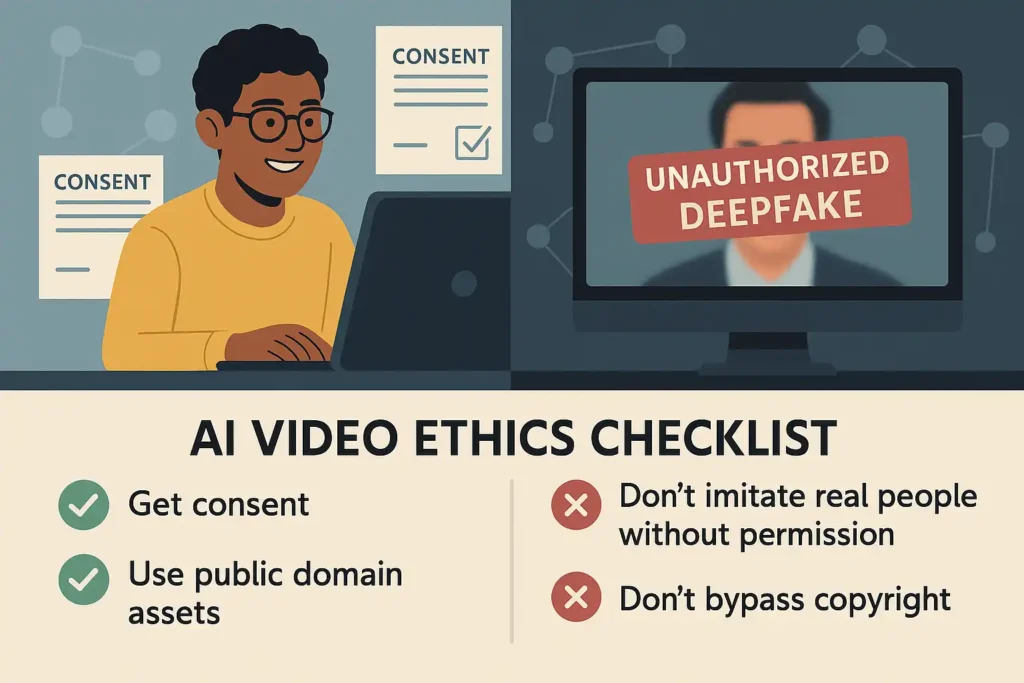
Sora 2 interacts with people’s faces, voices, and copyrighted characters and that creates real risks. After Sora 2’s launch there were high-profile concerns about unauthorized likenesses and copyrighted characters; OpenAI has been adjusting policies and rolling out safeguards, but the landscape is fast-moving. Use Sora 2 responsibly: get consent before using someone’s likeness, don’t create content intended to mislead or harm, and respect copyright owners.
Important: Requests to “bypass” Sora 2 copyright protections or otherwise circumvent controls are illegal and unethical. I can’t help with instructions to bypass copyright or platform controls. Instead, read the safer alternatives below.
Example Prompts
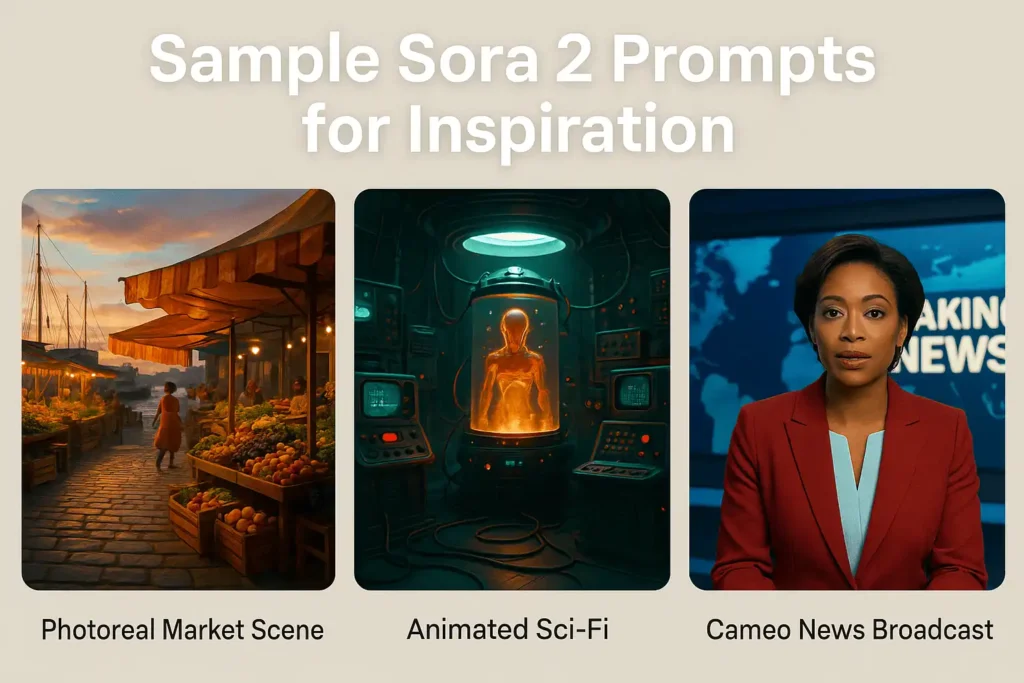
- “Photorealistic: a 10-second slow pan across a seaside market at golden hour, vendors laughing, seagulls in background, soft cinematic music.”
- “Animated style: retro 80s sci-fi, closeup of a robot hand placing a glowing key into a console, synth soundtrack cue.”
- “Cameo: cast [YourName] as a news anchor reading a short, upbeat headline on a studio set, studio lights, 8-10 seconds.”
- Tweak duration, camera verbs, and style words to refine results.
Trust & Safety Notes
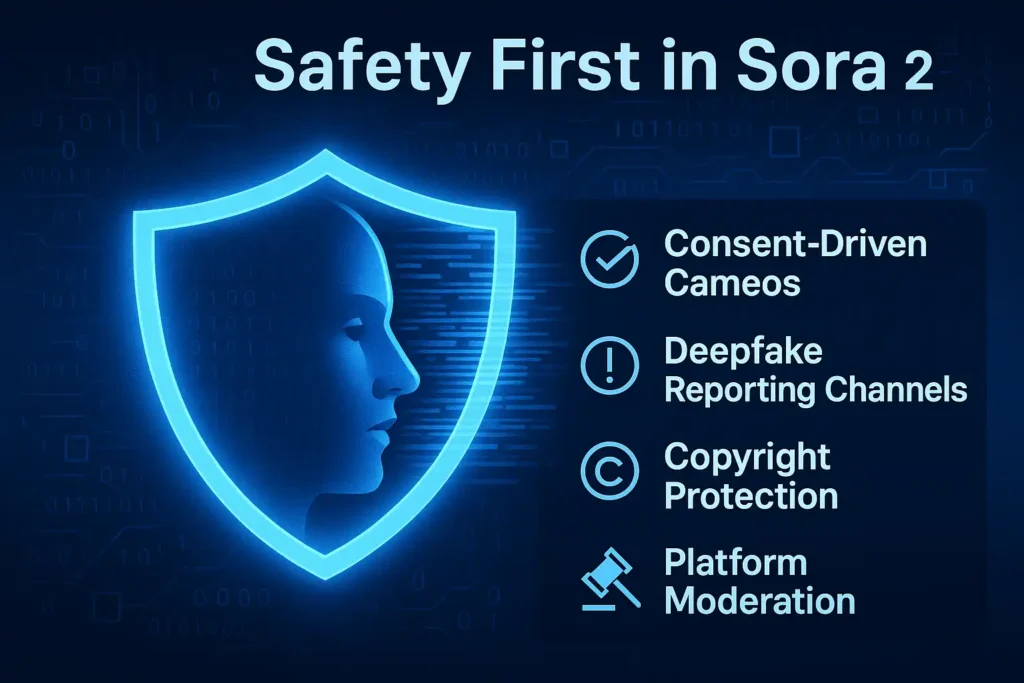
- Deepfake, consent, and fetishization risks: journalists and researchers have documented troubling misuse cases where people’s images were used to create exploitative or fetish content. OpenAI is under pressure to refine controls; until that stabilizes, use strict consent practices.
- Copyright policy shifts: OpenAI initially used an opt-out style for some content but quickly faced backlash and is changing its approach. That means what’s allowed today could change tomorrow, always check the latest OpenAI policy updates.
Wrapping Up!
Sora 2 opens a lot of creative doors, short films, marketing clips, teaching visuals, and more, but it also asks creators to act responsibly. If you want to experiment, start small: learn the prompt language, keep videos short, get consent for cameos, and verify you’re not using copyrighted characters or protected likenesses without permission.
FAQs
How to bypass Sora 2 copyright?
a. Obtain a license or permission from the copyright owner (studios, publishers, record labels). Contracts or licensing platforms handle this.
b. Use public domain materials (works whose copyright has expired) or Creative Commons assets that explicitly permit the use you want.
c. Create original content: write prompts that do not emulate specific copyrighted characters or scenes, or design original characters inspired by general tropes.
d. Partner with rightsholders: many IP owners are exploring licensing deals with AI companies. Recent reporting shows studios and agencies actively negotiating with OpenAI about policies and revenue sharing.
How to get invite code for Sora 2?
a. Official: sign up through the Sora app (iOS) or sora.com and follow OpenAI’s instructions, that’s the safest route.
b. If someone you know has invites, they may share a limited code; always get invites from trusted people.
c. Avoid buying codes or using shady third-party “generators.” Fake apps and resold codes proliferated after launch.
How to use Sora 2 on PC?
Use the web version at sora.com, sign in with your OpenAI account, enter an invite if needed, craft your prompt, and generate video. That flow works from Chrome, Edge, or Safari. If you have ChatGPT Pro with Sora Pro access, you may see extra model choices.
How much does Sora 2 cost?
OpenAI made Sora 2 available with free/generous trial limits initially. Pro or API users may pay for higher-quality or heavy use. Official pricing details and API token/credit models are on OpenAI’s pricing pages; community reports suggest per-second costs for higher-quality renders, but those are estimates. Always check OpenAI’s official pricing before committing.
How to use openai Sora 2?
Basic workflow: sign in → choose text or image/cameo → choose style & length → generate → review & export. Keep prompts short, use camera/lighting words, and respect consent/copyright rules. Iteration is key, tweak prompts for better results. Use sora.com on PC or the official iOS app where available.